← /3/

Thread No.1030041

New launches split creator fees 50% to the poster and 50% to the launcher. No tripcode is needed to launch; poster claims require verified ownership.

Anonymous07/02/26(Thu)20:28:01 No.1030041
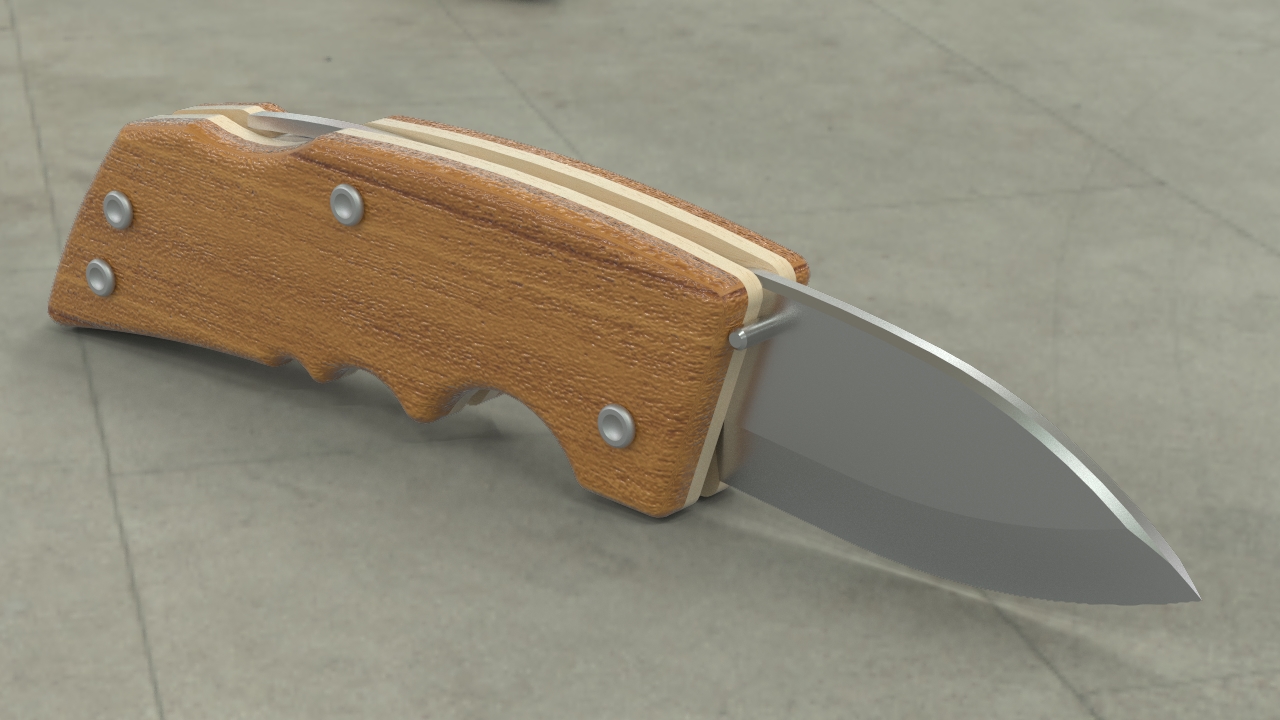
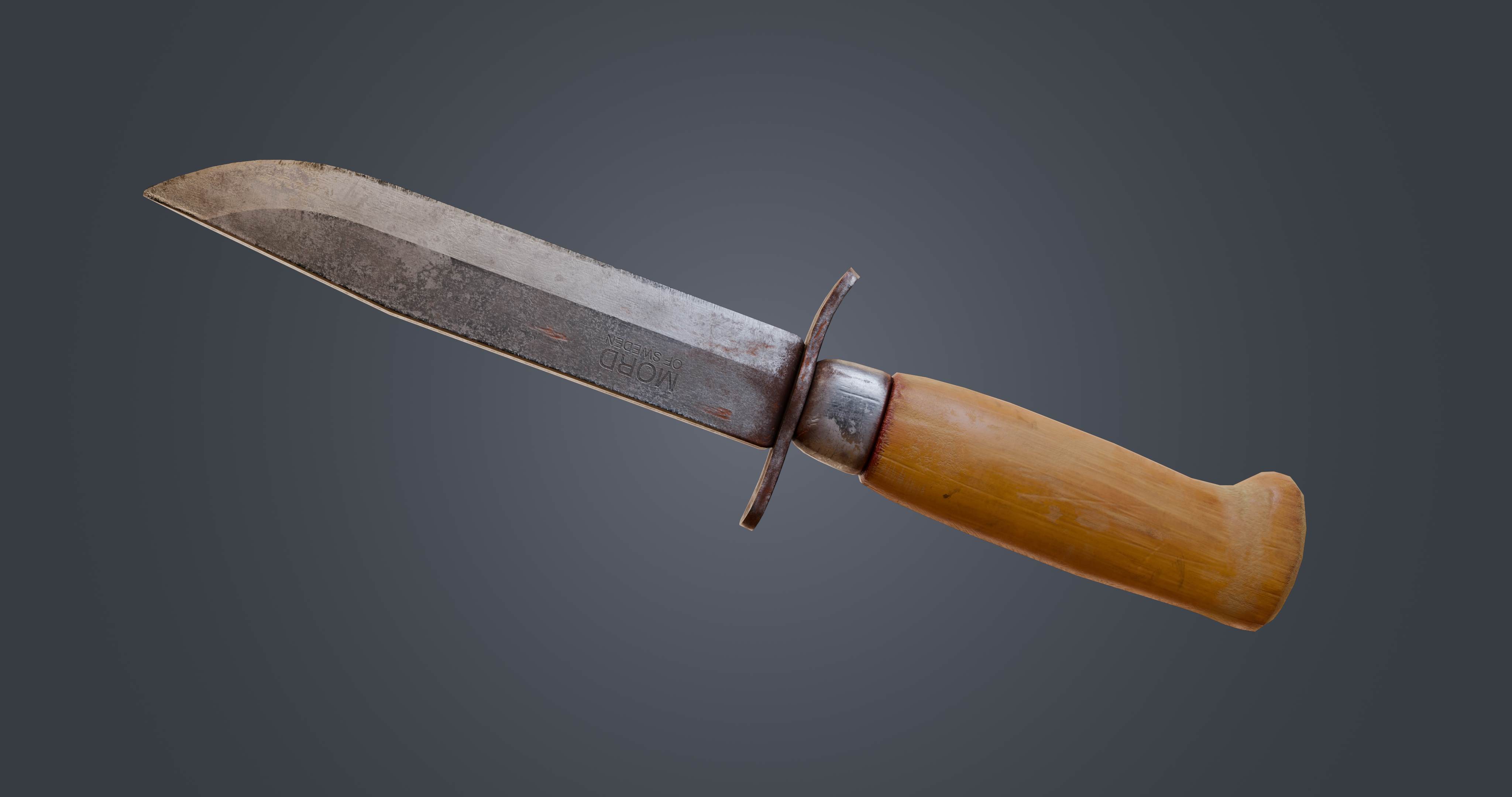
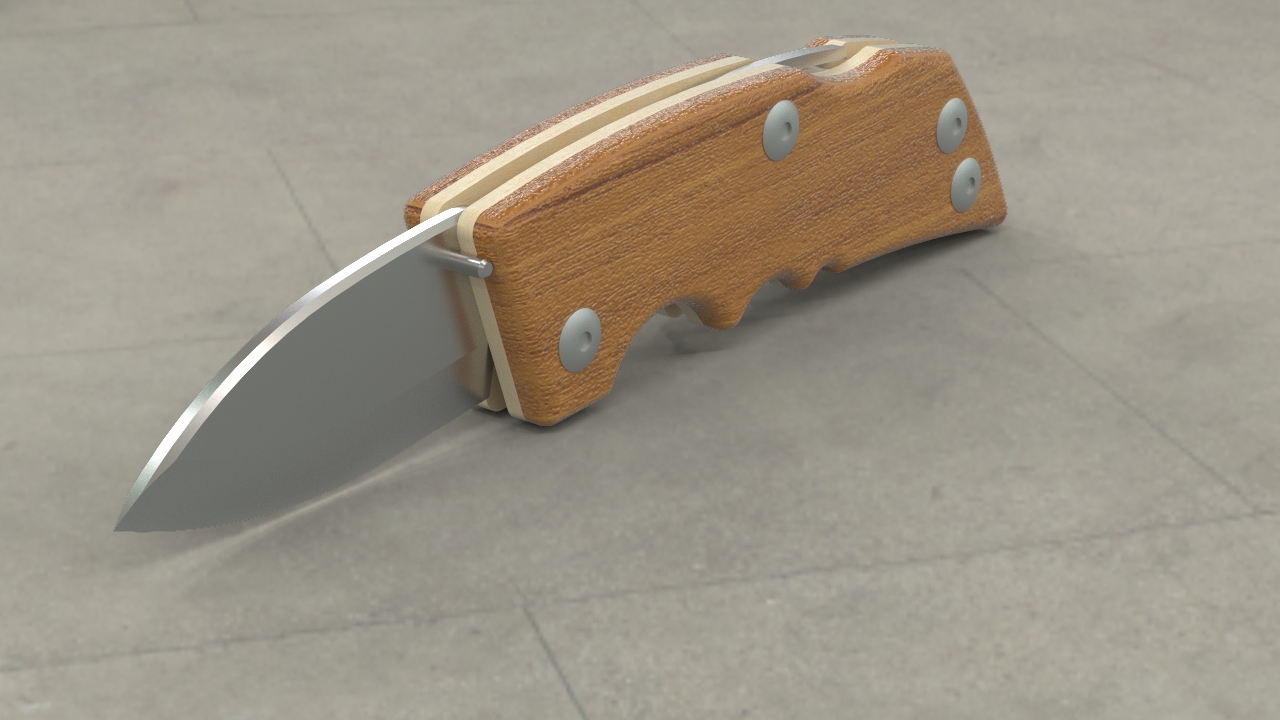
Pocket Knife v6 Visualize
From Solidworks and Visualize
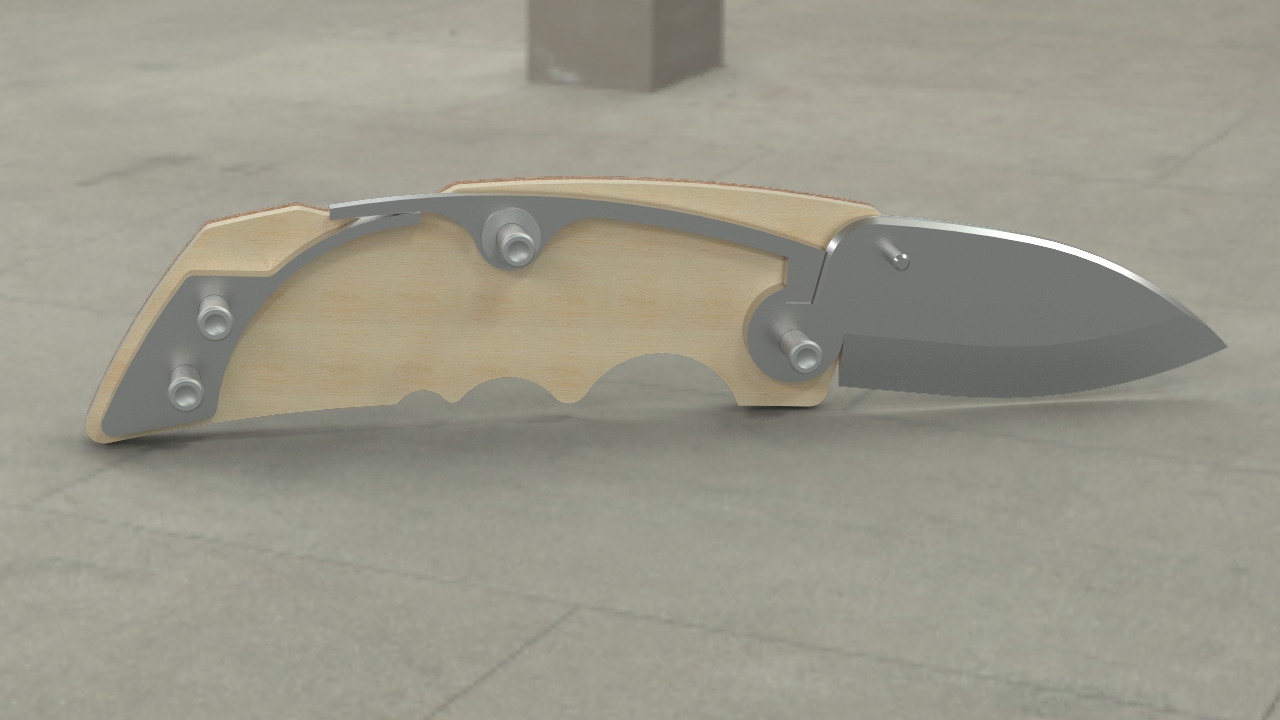
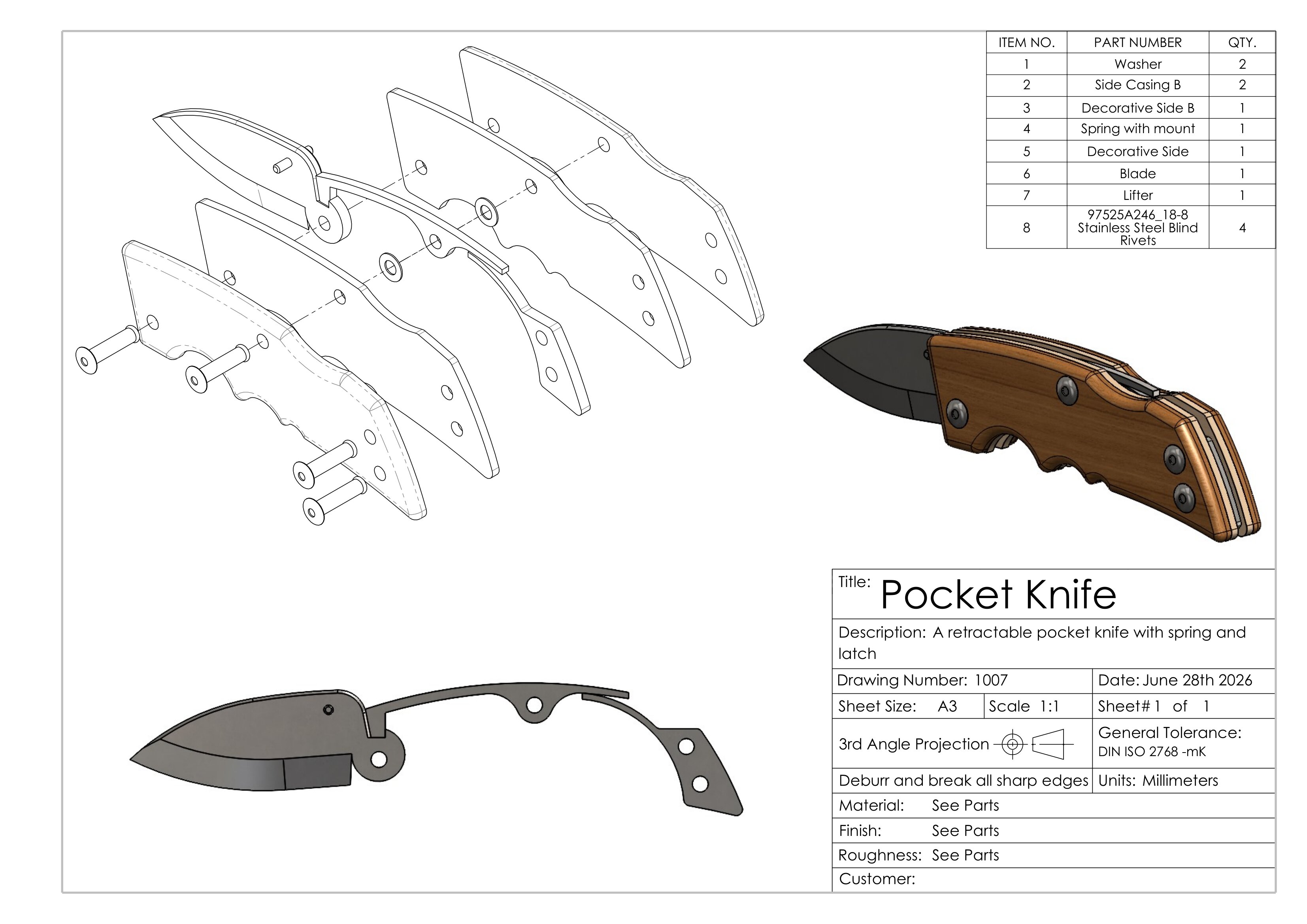
Saw someone's design on GrabCAD and remade it, so not a true original, but the mechanism would actually work.
Can you give me some feedback?
Anonymous07/02/26(Thu)20:29:26 No.1030042
Pocket Knife v6 Visualize (2)
Anonymous07/02/26(Thu)20:30:30 No.1030043
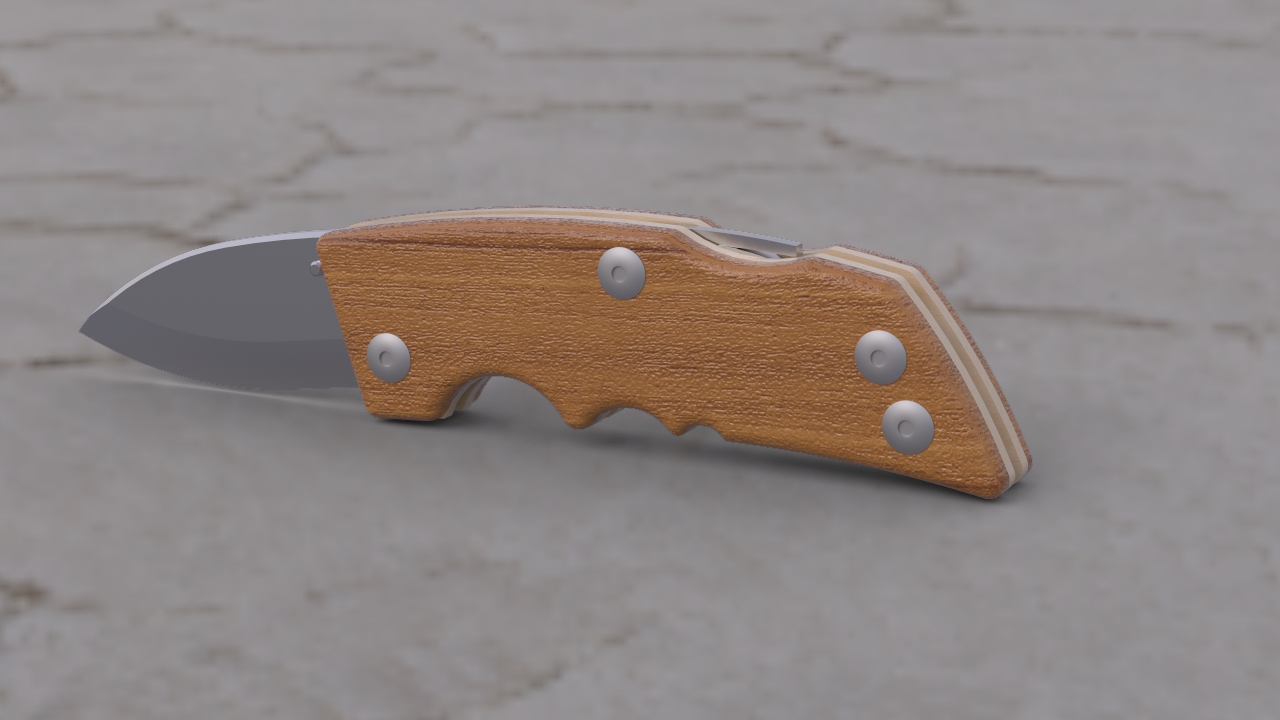
Pocket Knife v6 Visualize (3)
Anonymous07/02/26(Thu)20:31:36 No.1030044
Pocket Knife v6 Visualize (4)
Anonymous07/02/26(Thu)20:42:32 No.1030045
1007-1
Anonymous07/03/26(Fri)00:42:17 No.1030048
>>1030041
Cool design. Materials look flat in a procedural way, as if there was no "intentional" texture work.
Anonymous07/03/26(Fri)12:09:50 No.1030061
To be honest you’re exactly right, the texturing was an afterthought. How do i make it look better? The modeling i have no problem with but the rendering and texturing i have no idea what to do other than just selecting a pattern
Anonymous07/03/26(Fri)12:31:33 No.1030062
scouts-knife-made-with-blender-and-substance-painter-v0-nbukxxm4mi5h1
>>1030061
You should take a look at Substance 3D painter. It's Adobe software so downloading a crack for it is a moral obligation.
https://gfxfather.net/adobe-substance-3d-painter-pre-activated/
There's Armor Painter, it's completely free but it's more limited. There's Marmoset Toolbag too but it's paid and i don't know much about it.
Anonymous07/03/26(Fri)12:50:44 No.1030063
>>1030062
Thank you I’ll check them out
Anonymous07/08/26(Wed)13:26:07 No.1030160
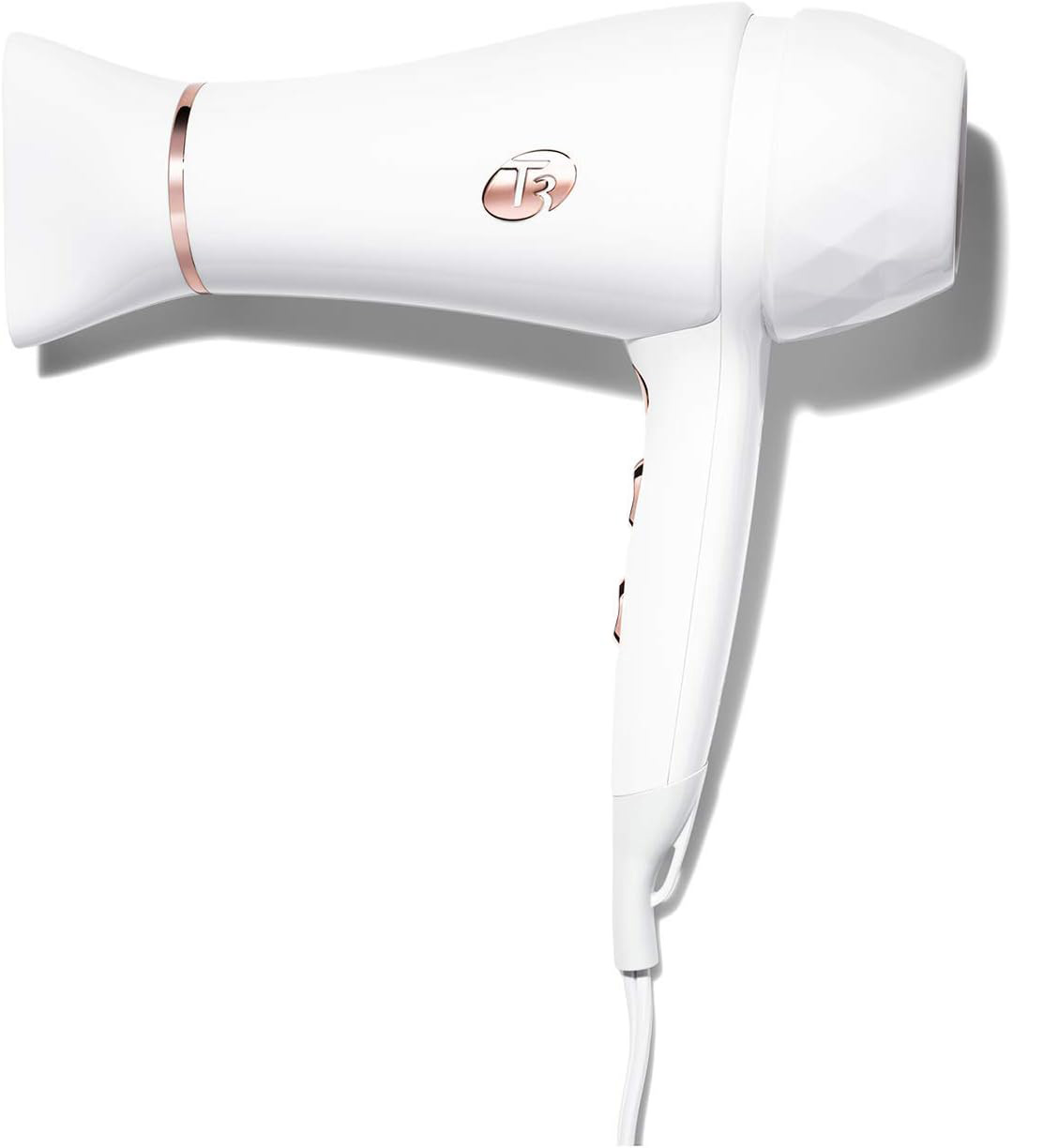
T3 Side Photo
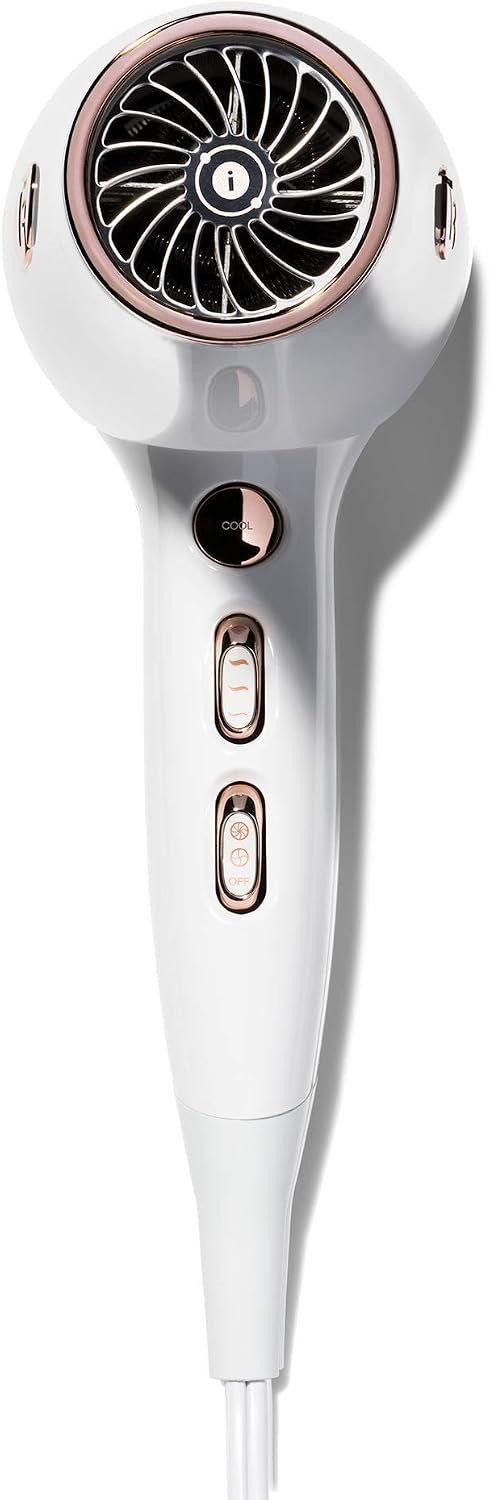
I'll Just keep this as my thread. Here's a hairdryer I copied to practice surface modeling. What do you think the real vs the model?
Anonymous07/08/26(Wed)13:27:16 No.1030161
Untitled Project
Anonymous07/08/26(Wed)13:28:46 No.1030162
T3 Front Photo
Anonymous07/08/26(Wed)13:29:59 No.1030163
Untitled Project (2)
Anonymous07/13/26(Mon)04:58:03 No.1030287
>>1030061
If you're going to stick to CAD, I'd honestly recommend learning Keyshot for rendering purposes. You can easily assign materials, make your own scenes or use existing ones. Substance is cool like the other anon said, but you'll have to fix the meshes that come out of NURBS for it to look good, and that can be a pain in the ass with more complex models, and it also requires you to manually paint in details which is slow and you might just want a "slap material and lighting" kind of workflow and that means Keyshot is infinitely better for presentation of CAD models (99% of the time)
Anonymous07/13/26(Mon)05:06:19 No.1030288
>>1030062
>made with blender
>on a cad thread
Blenderfags never learn
>>1030161
Very nice, here's a tip, for the little polished chrome logo on the side you could use the Split Line command, make a sketch on the right (assuming) plane of the logo, split line, select the inside of the split line and you can assign materials to that specific face. You can also do this for the buttons. For a better look, you can make an extruded cut 0.2mm around the logo with the cut from surface option, that gives a bit of depth and doesn't look like a flat sticker.
Anonymous08/24/26(Mon)21:09:48 No.1031777
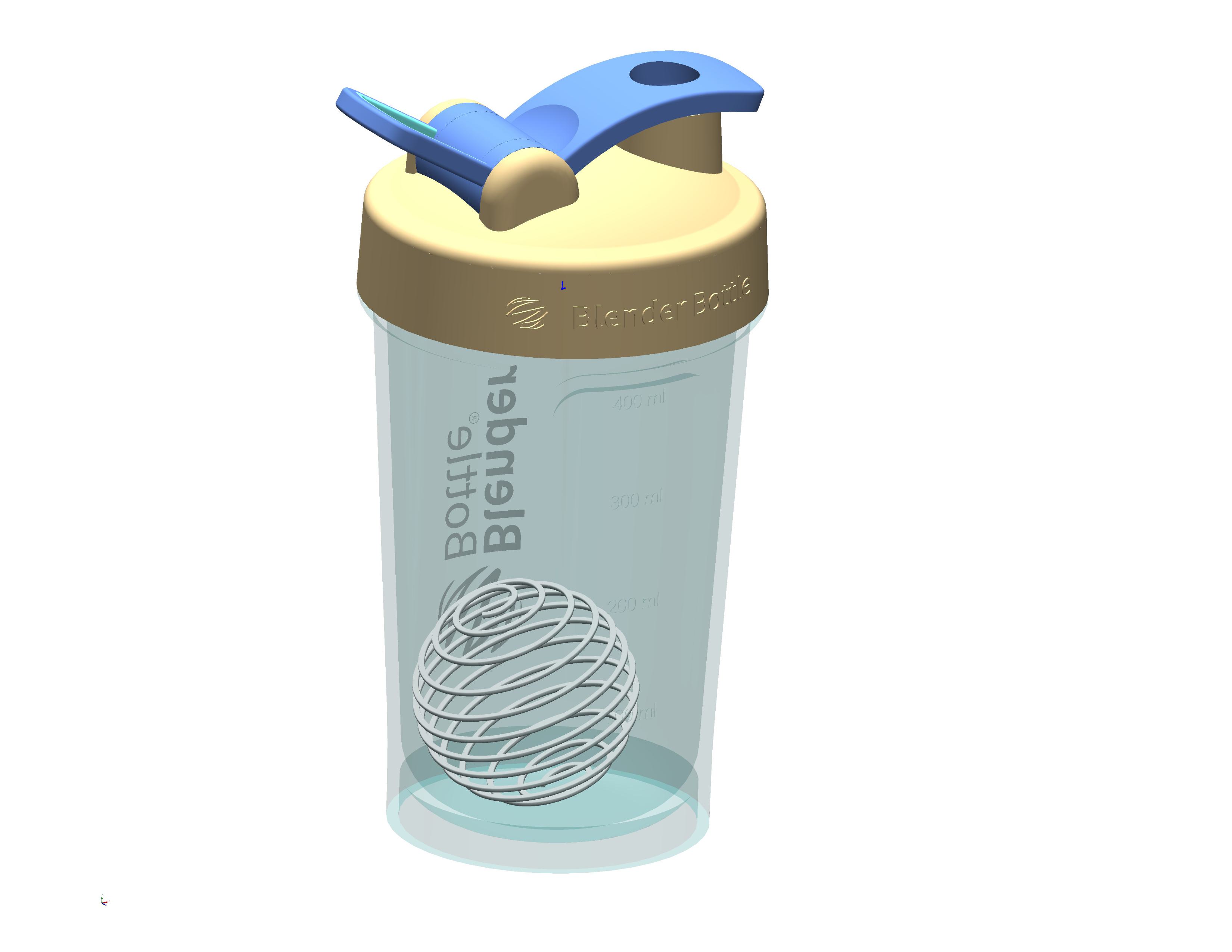
v15-1
I think a lot of the models made with Blender are very good looking I just don't know how to use the software.

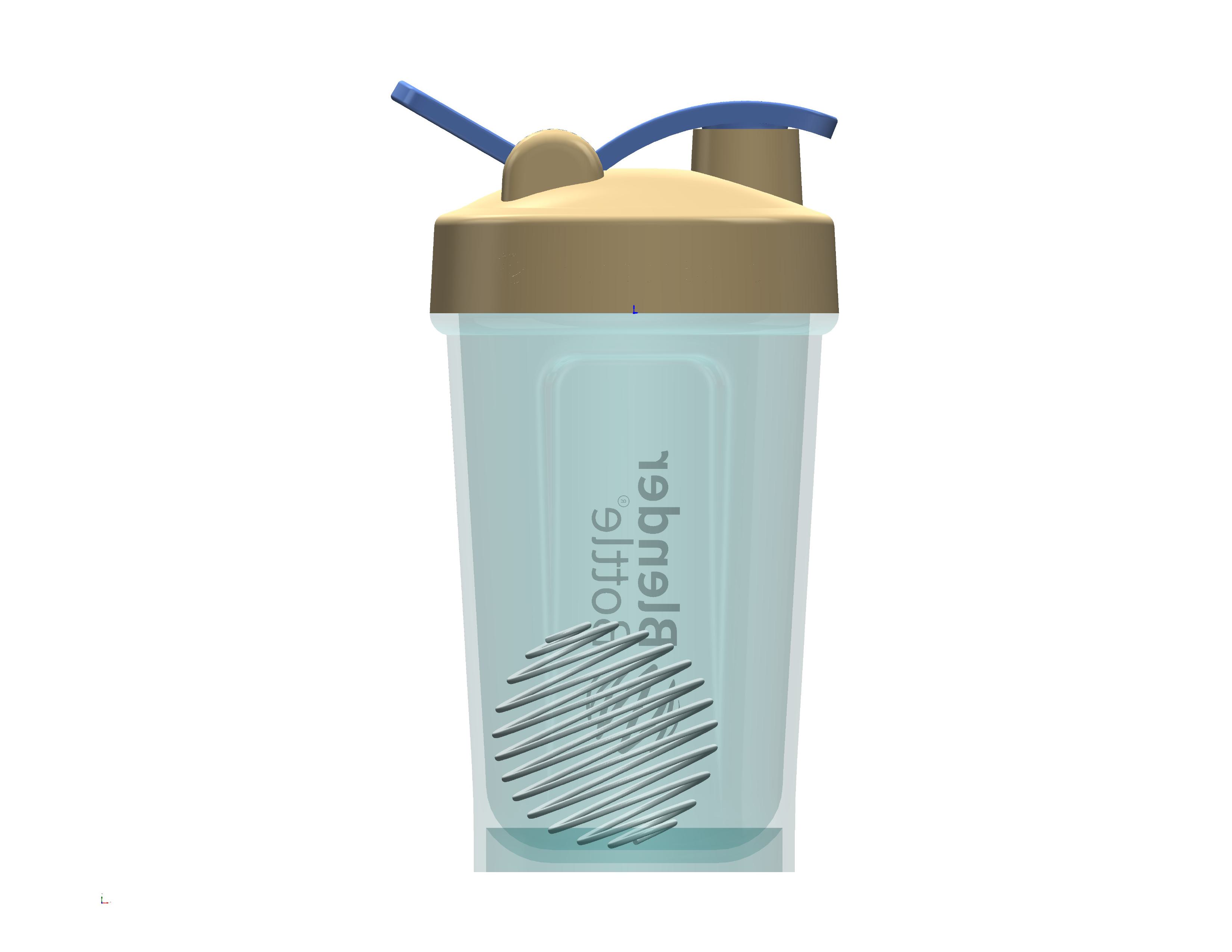
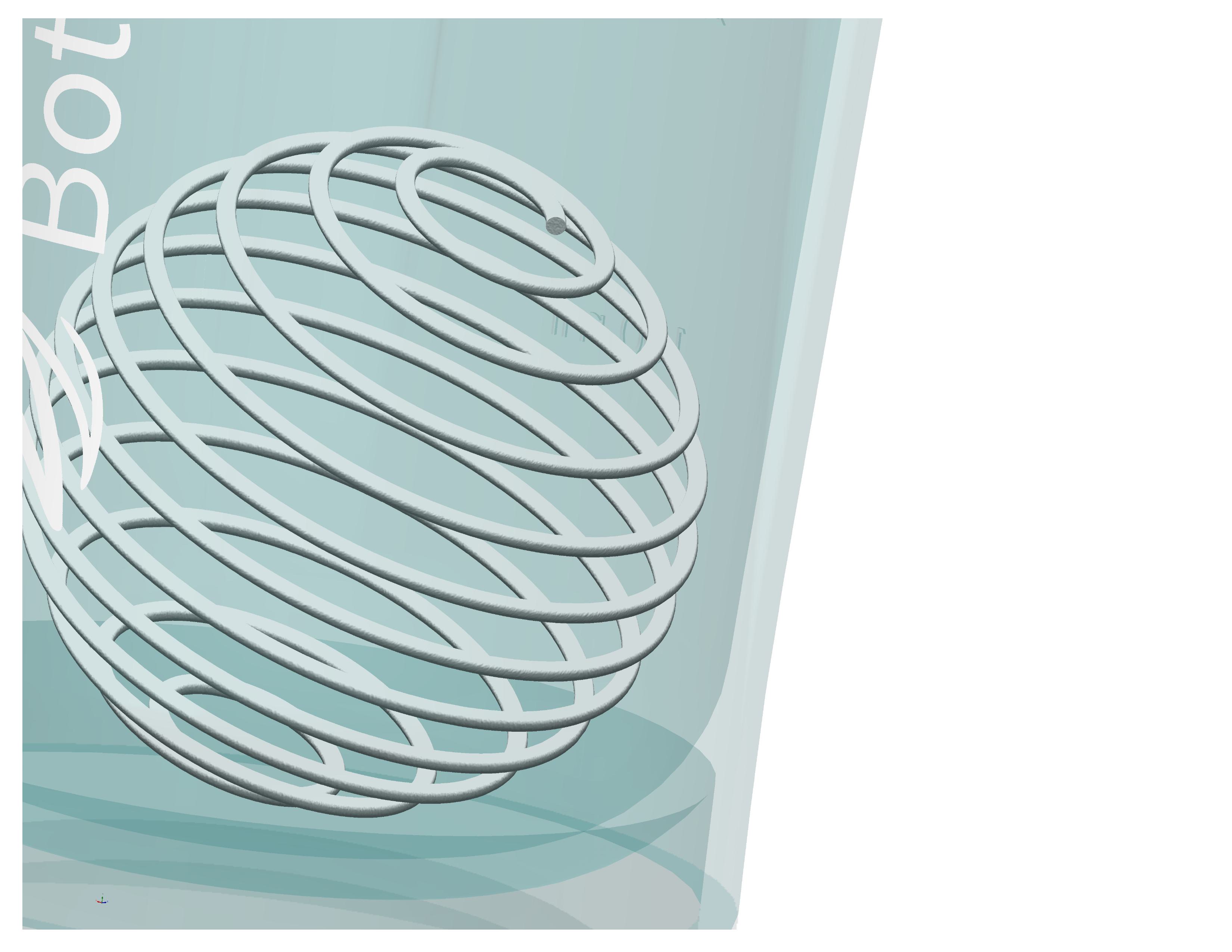
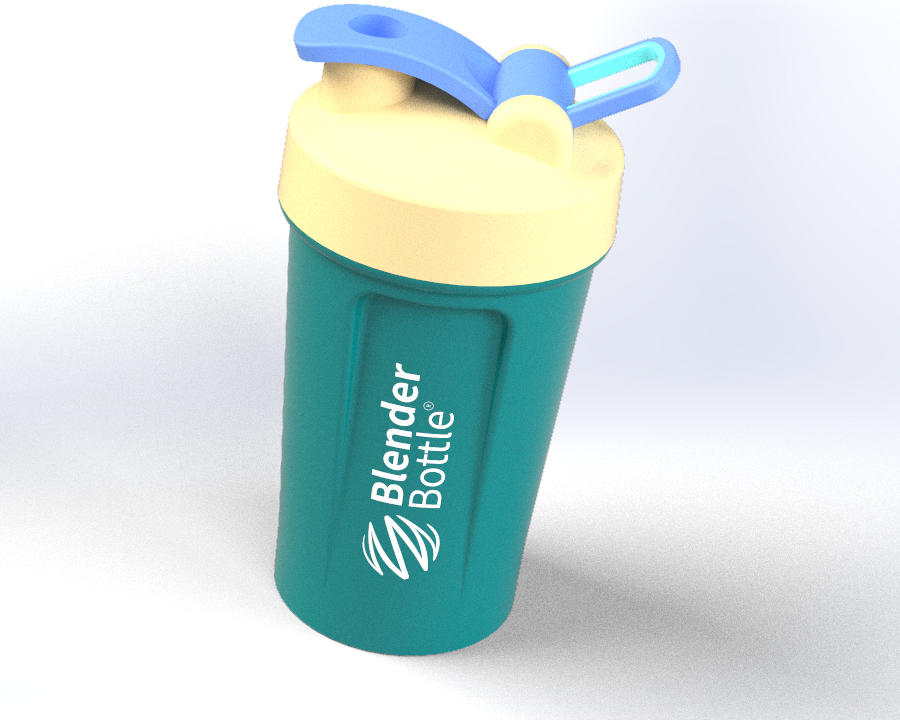
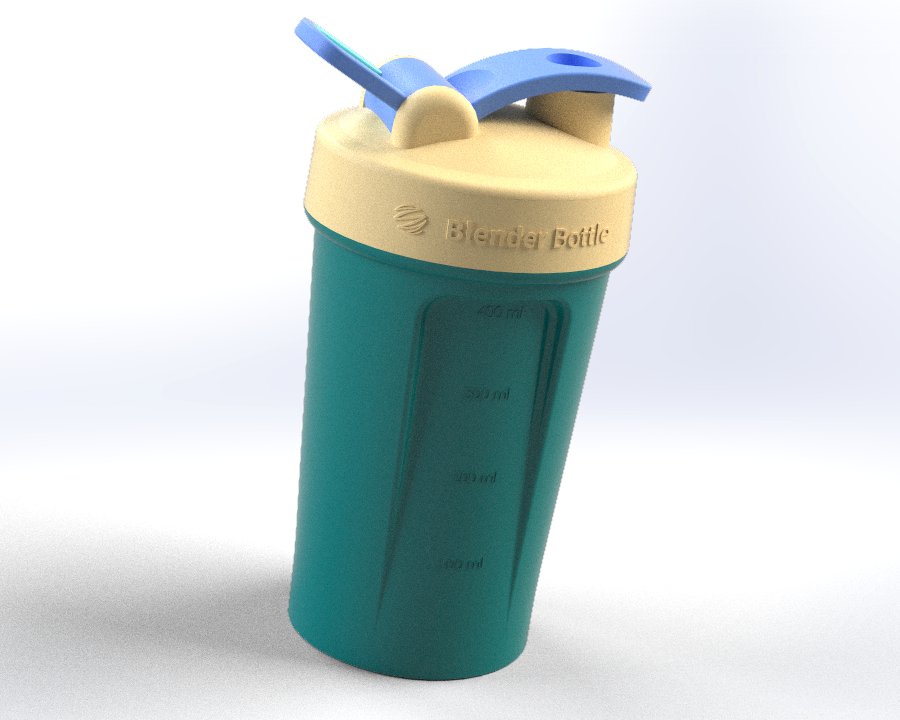
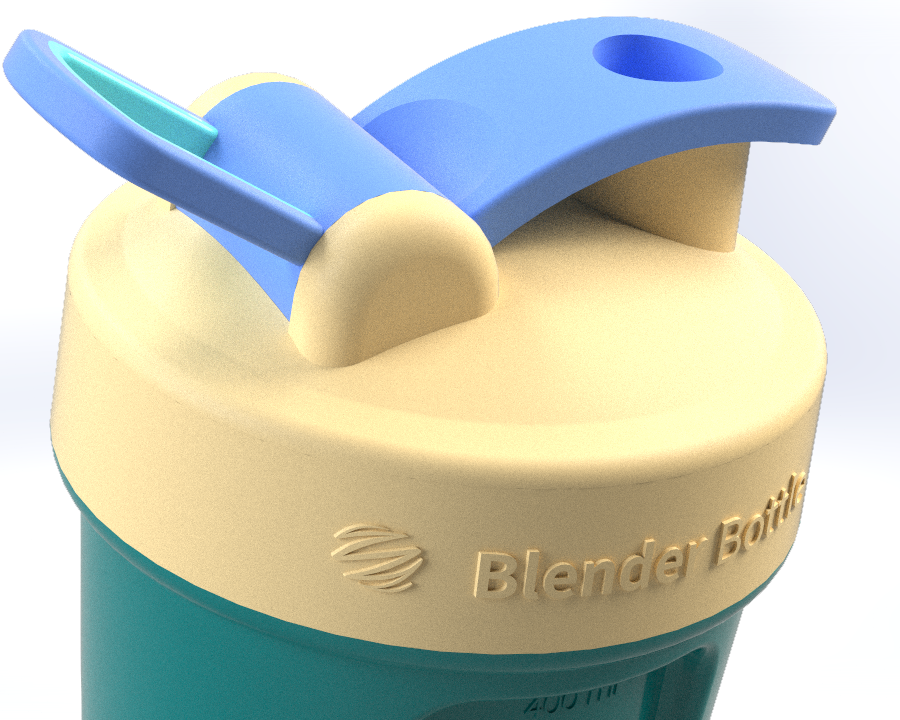
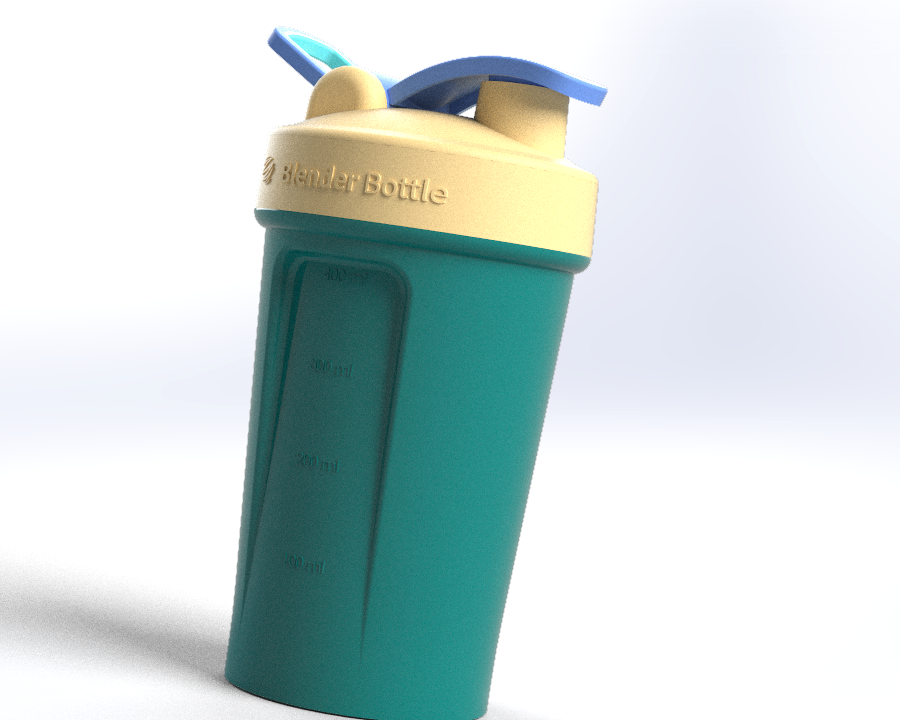
Here is a "Blender" Bottle which is a popular protein shake mixer here in the US. Something is wrong with my graphics card where it can't render transparency correctly. I'll need to buy a new one.
Anonymous08/24/26(Mon)21:10:56 No.1031778
v15-2
Anonymous08/24/26(Mon)21:12:37 No.1031779
v15-3
Anonymous08/24/26(Mon)21:13:40 No.1031780
v15-4
Anonymous08/24/26(Mon)21:14:41 No.1031781
v15-5
Anonymous08/24/26(Mon)21:15:58 No.1031782
v15-6
Anonymous08/24/26(Mon)21:17:01 No.1031783
v15-7
Anonymous08/24/26(Mon)21:18:18 No.1031784
v15-8