
← /3/

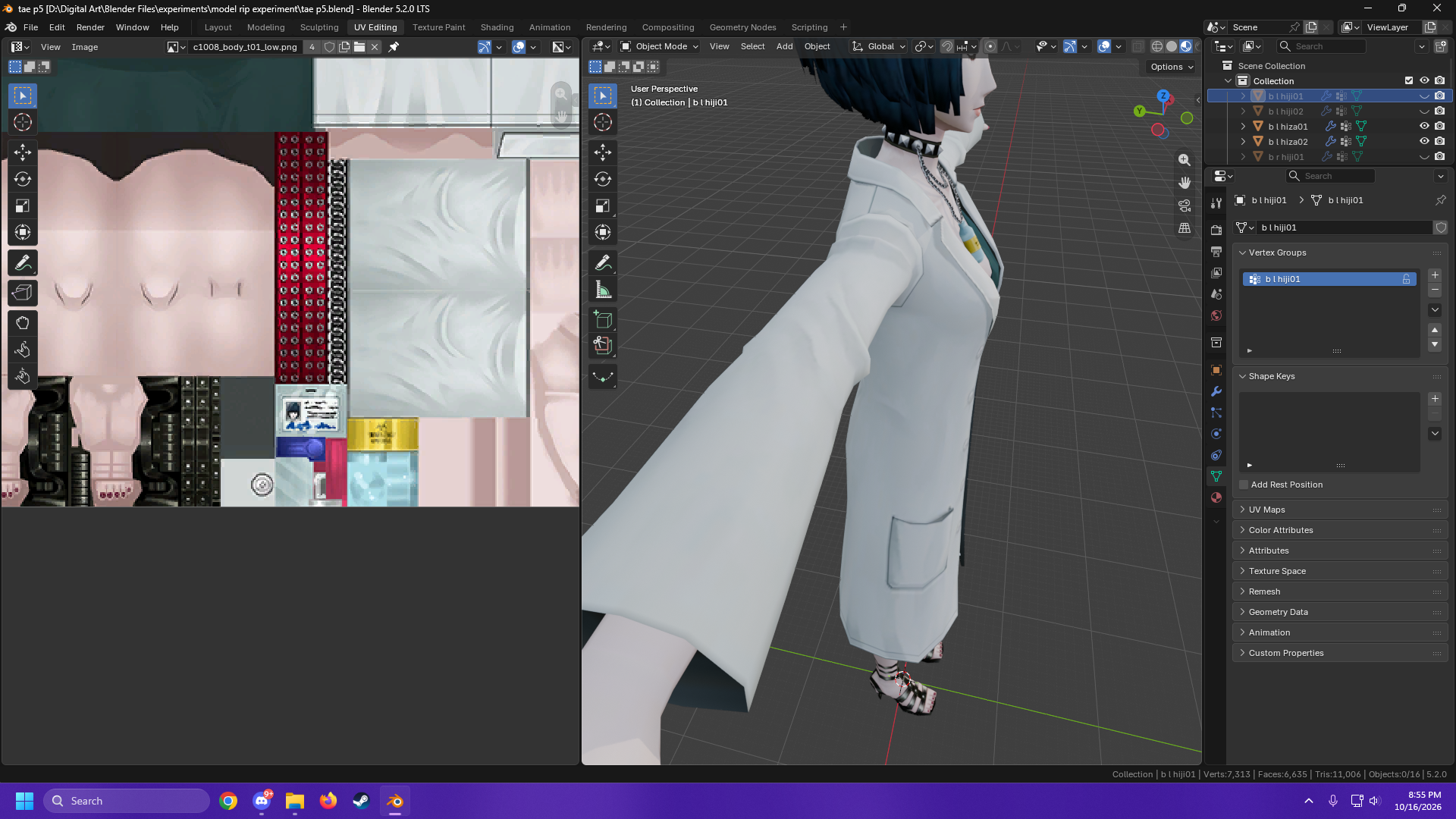
studying some models and need help

New launches split creator fees 50% to the poster and 50% to the launcher. No tripcode is needed to launch; poster claims require verified ownership.

Anonymous10/16/26(Fri)15:57:41 No.1033709
Screenshot (942)
so i am starting to understand and am getting close to making my character, however i understand uvs and whatnot, and its starting to make sense, however how do u coordinate the folds of the clothes and the grey balnd geometry, i can imagine it being kinda hard to do without allot of trial and error, maybe frustatringly so, and how do u do folds and hair, any pointers and help would be apreciated thanks
Anonymous10/16/26(Fri)16:05:02 No.1033711
>>1033709
That's just painting shading, you'll need to level up as a 2d artist
Anonymous10/16/26(Fri)16:05:07 No.1033712
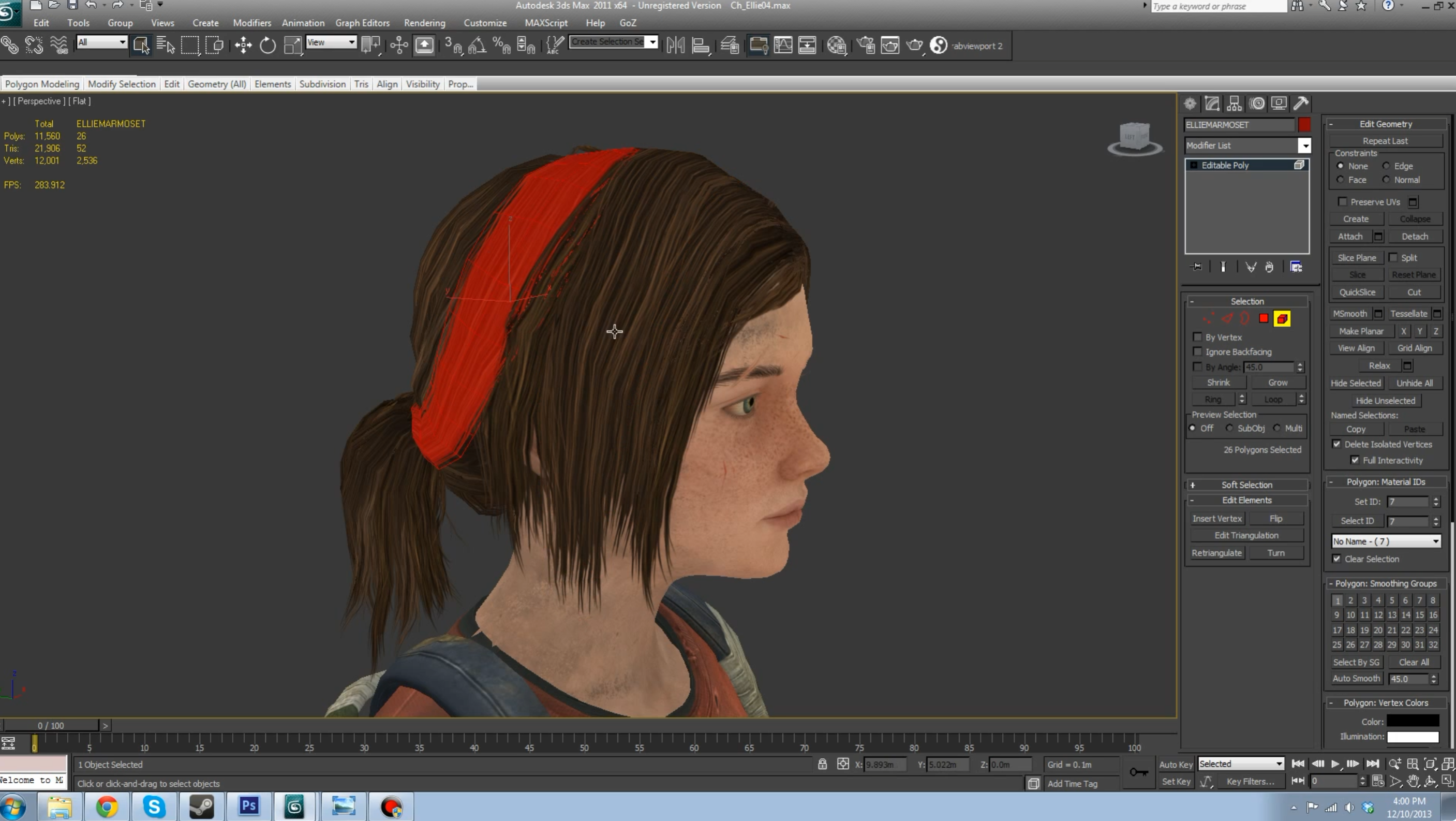
lastofus
>>1033709
Why don't you just watch a texturing tutorial dude? This shit is Kindergarten knowledge.
https://www.youtube.com/watch?v=sGN7Wby2thk&t=3s

Or just ask ChatGPT.
Anonymous10/16/26(Fri)16:29:09 No.1033715
>>1033709
The paint directly on the model, not in the unwrapped flat space
Anonymous10/20/26(Tue)07:46:07 No.1033829
>>1033709
>>1033715
Oldfag 3D artist here.

First of all, yes - you really want to grasp some 2D painting 101 if you want to level up your low-poly art to the next level. Shading, clothes wrinkling rules, implication of mass and material... that sort of stuff.

Next, and this is the big one:
try FIRST making the texture file,
and THEN unwrap your model manually ONTO the image. Yes, this is indeed how we boomers used to do it back in the day; make the 3D mesh's UVs adapt to the texture, not vise-versa.

That being said, nowadays you could probably just BAKE an a-OK ambient occlusion map for the whole model, and then layer that on top of your flat- / celshaded model to speed things up.
Manual touches are still required if you want to make things look good and consistent.