New launches split creator fees 50% to the poster and 50% to the launcher. No tripcode is needed to launch; poster claims require verified ownership.
Anonymous11/19/26(Thu)12:27:56 No.1034965
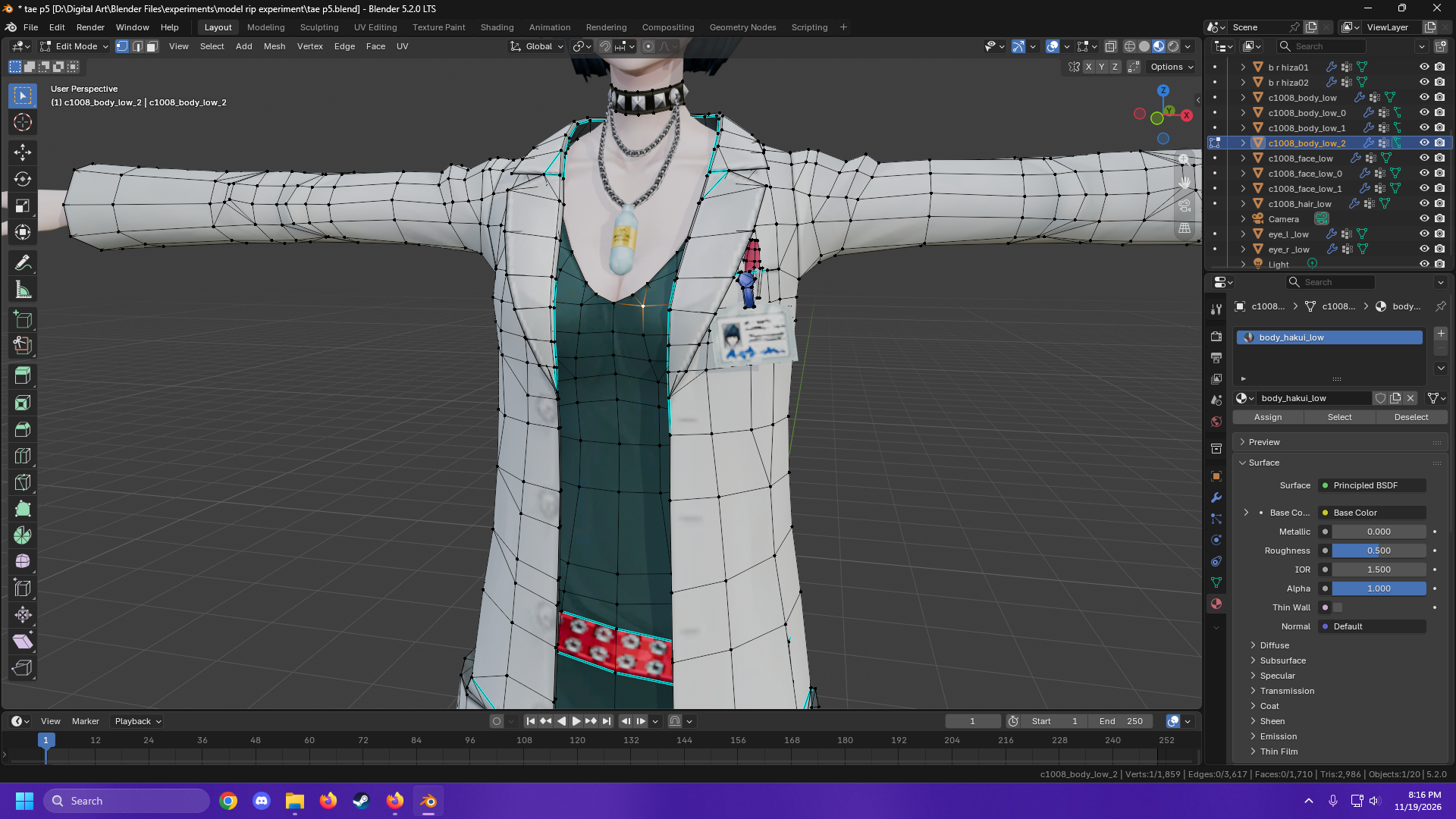
im trying to study several models and sometimes theres this abominations where its very packed, messy and chaotic meaning its hard to study andsee how they applied textures.
>I tried SHIFT + G for materials, or coplanar and such settings it doesent work and often selects ALL.
>I tried L for linked and then control Invert and Hide, so i can see the UV
This method seems to work best but is slow and annoying, anyone more experienced have any ideas?
thanks
Anonymous11/19/26(Thu)13:37:28 No.1034968
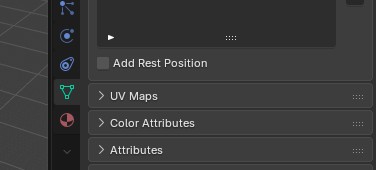
Go to the material tab. You can select verts for the selected material. optionally alt+h for hide all but selected.