← /gd/

Illustration effect

New launches split creator fees 50% to the poster and 50% to the launcher. No tripcode is needed to launch; poster claims require verified ownership.

Anonymous10/05/26(Mon)14:26:37 No.464910
Screenshot_20261005_112248
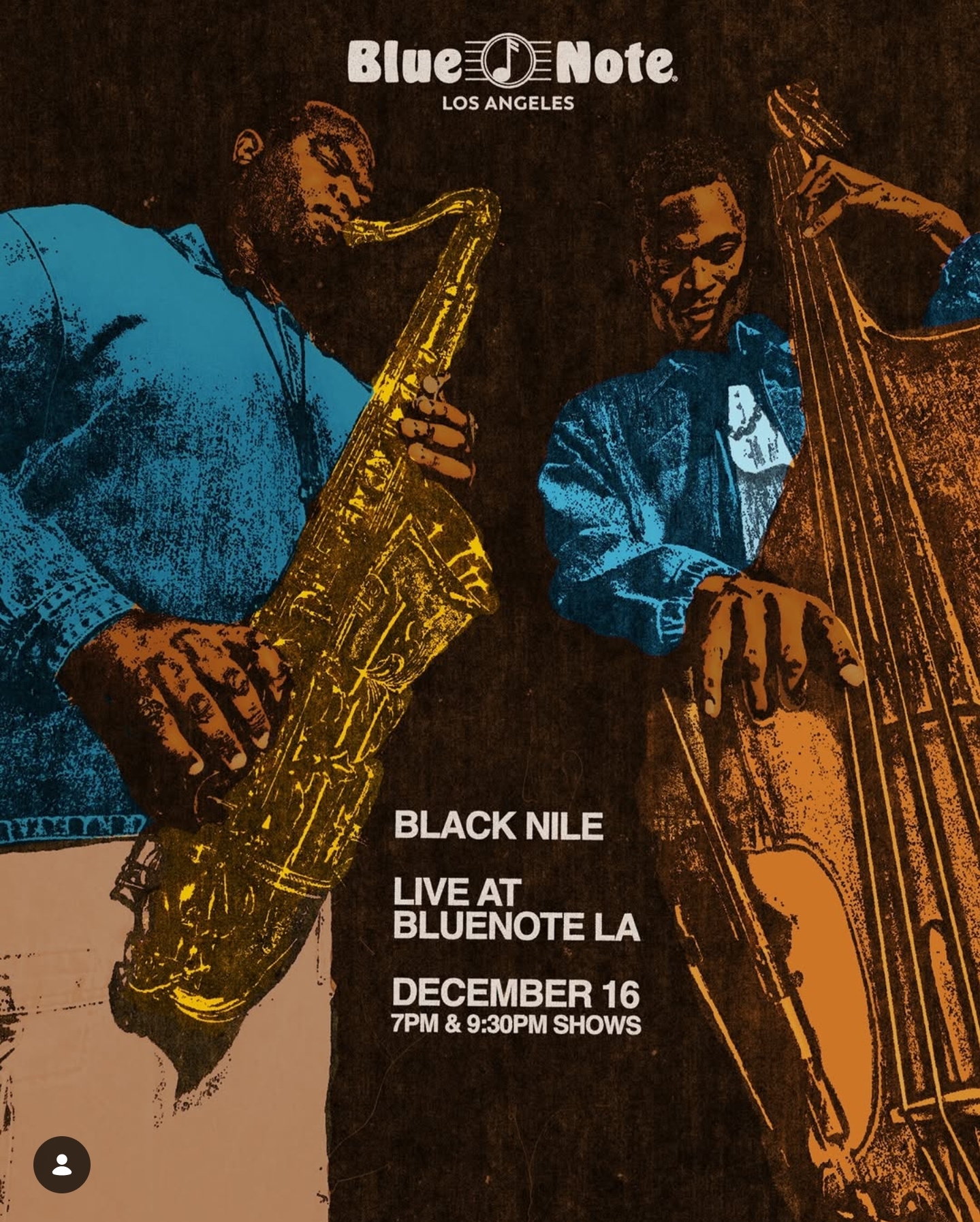
How do I get textures like this? It almost looks hand-drawn, but I think it's some sort of filter

Prefer to not use AI
Anonymous10/05/26(Mon)14:27:32 No.464911
Screenshot_20261005_112300
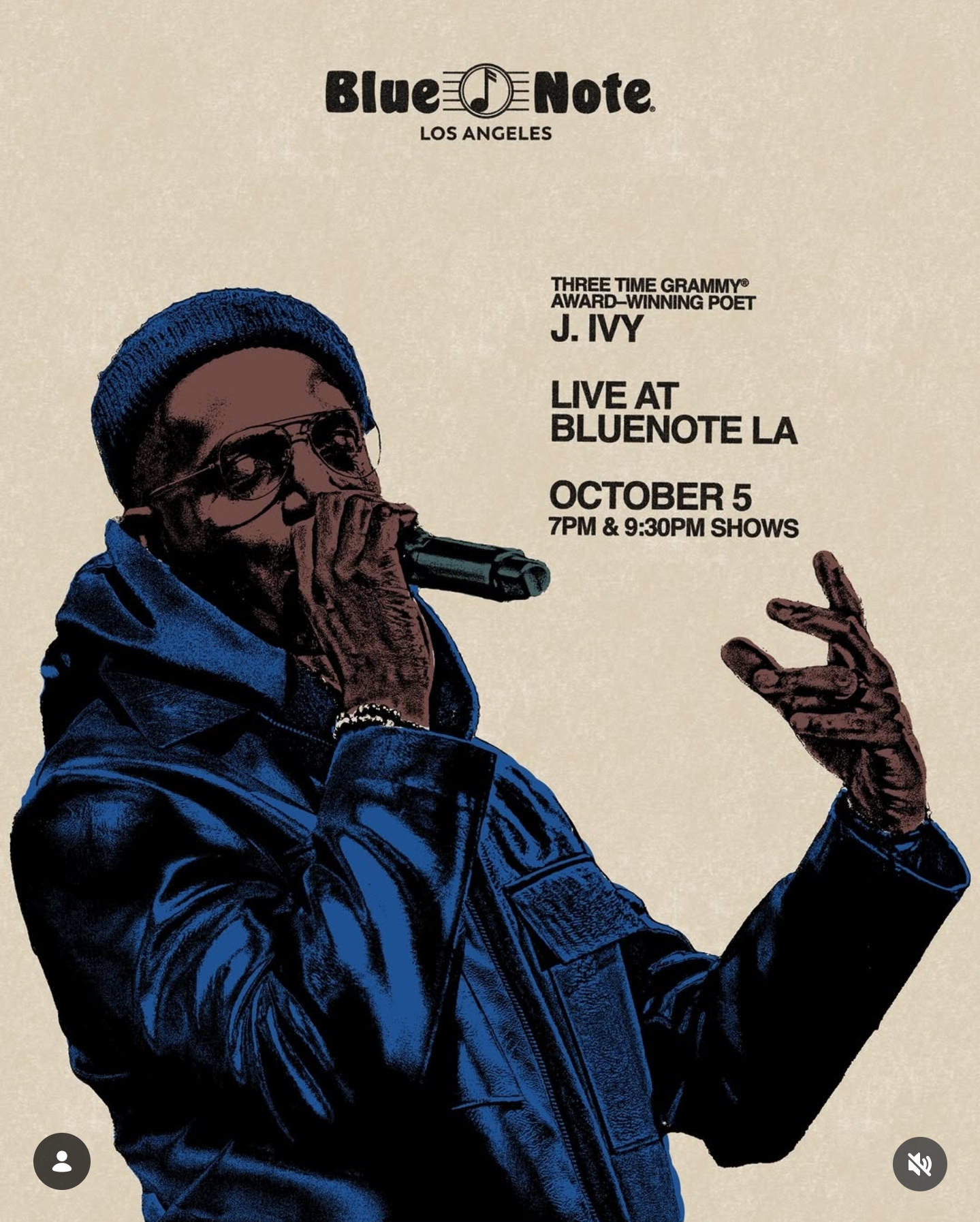
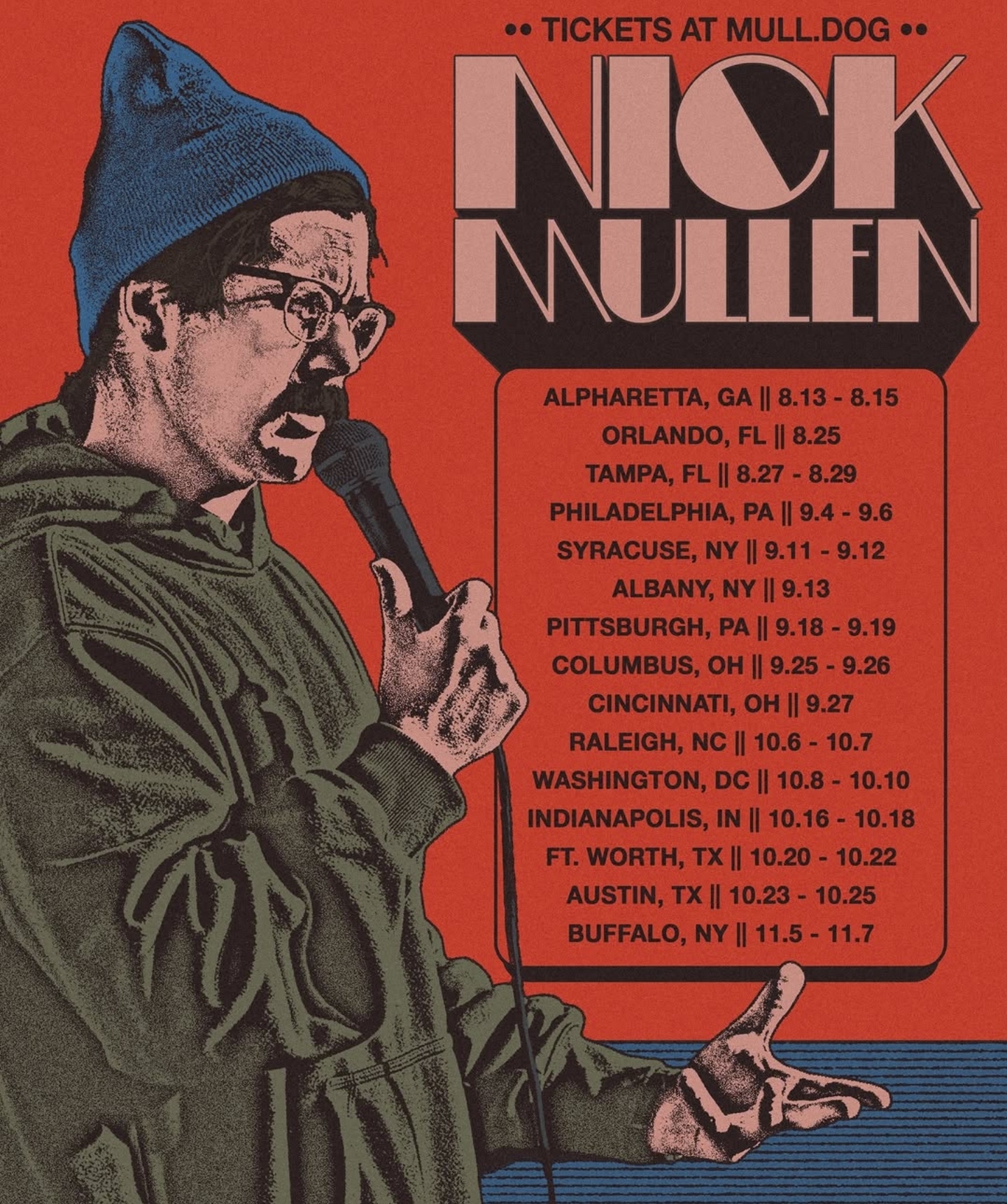
Another example
Anonymous10/05/26(Mon)14:49:25 No.464912
MDog
Could be illustration, look up Joe Frontel
Anonymous10/05/26(Mon)22:44:58 No.464914
thats two blue note covers
look up the designer

also, convert image to balck and white, do some exposure shifting and fuck with some filters, draw your color blocks, bang andre the giant has a posse
Anonymous10/06/26(Tue)16:04:19 No.464924
0mto5oirk2f81
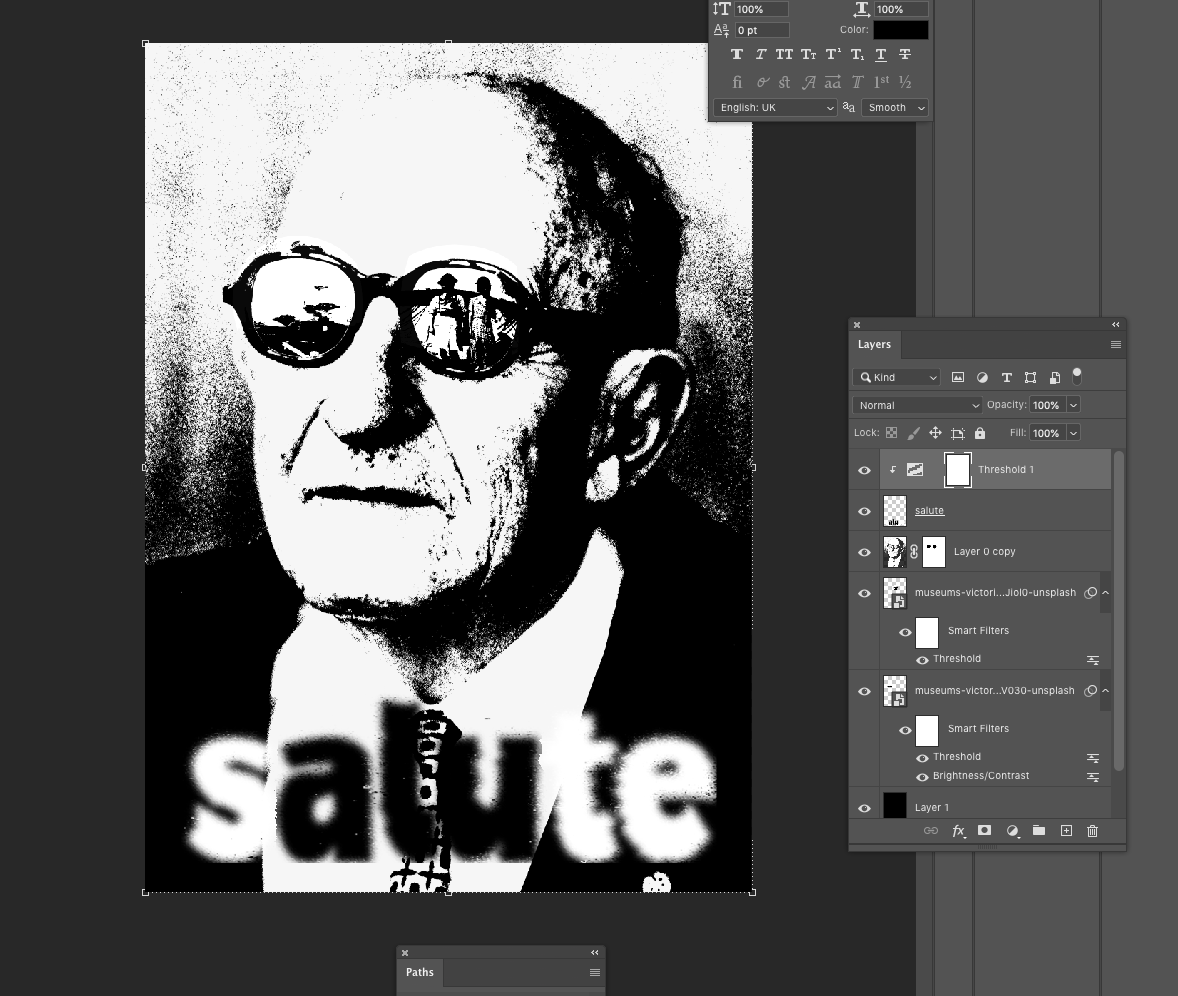
It's a threshold adjustment layer.

Play with curves & exposure like >>464914 says (if you need more fine detail, you can add a high-pass filter before the threshold adjustment, though expect to manually erase portions of this since it can sometimes retain too much detail), then drop threshold on top. Threshold basically makes all colors in the image either fully black or white, with no grey values

Flatten the image, then Magic Wand select all the black & copy onto a new layer. Put this on a solid color background. From there you manually paint the colors back in underneath